How to use MyTrip
Live trains, trams and buses in Ireland: where they are, and when they leave.
Swipe for how each works, or jump to one:
- Train, Luas, bus and more
- Your trains
- The map
- MyTrain: follow a train
- Regular and later trains
- MyLuas
- MyBus and MyBusÉireann
- MyBikes
- MyMap: everything at once
- myFutureRoutes
- Station and stop pages
- Alerts and the app
- More
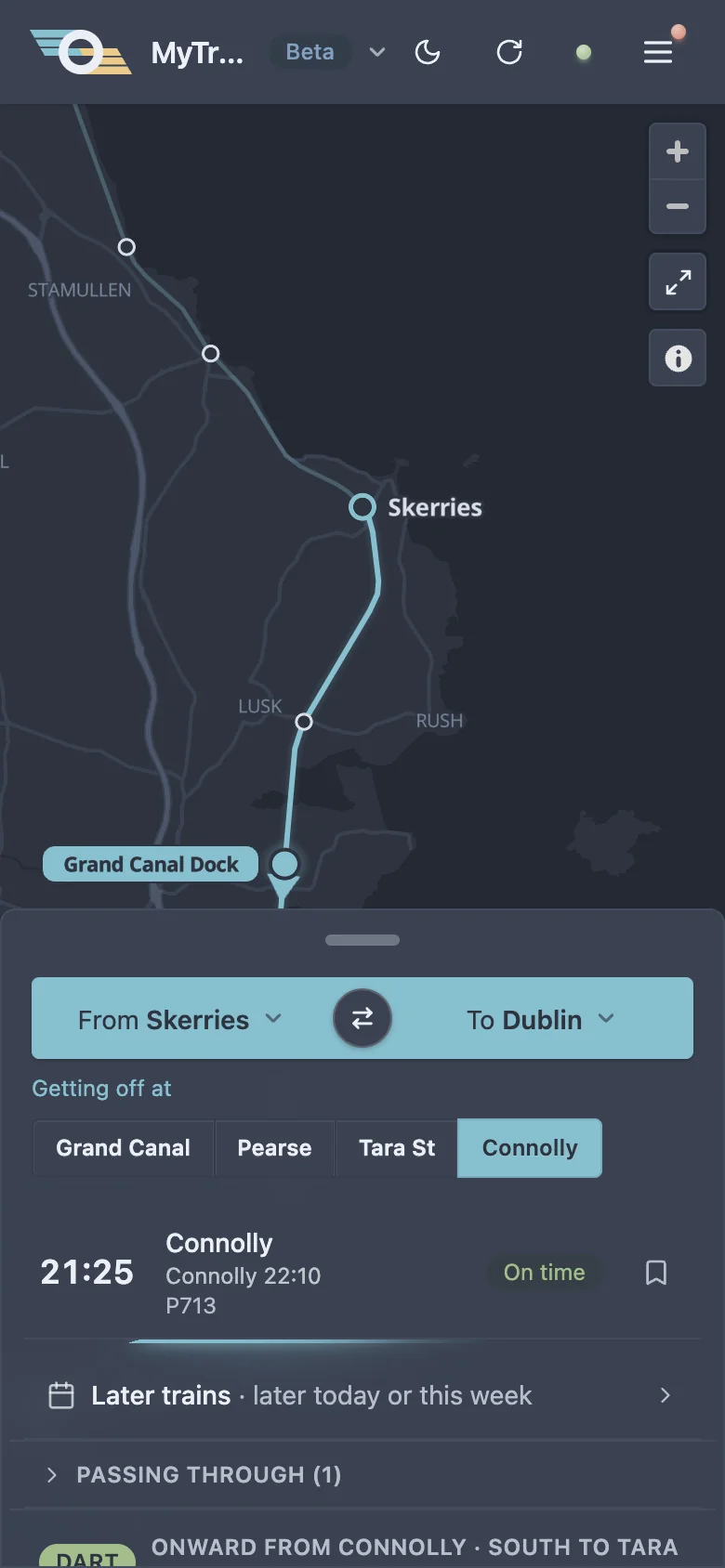
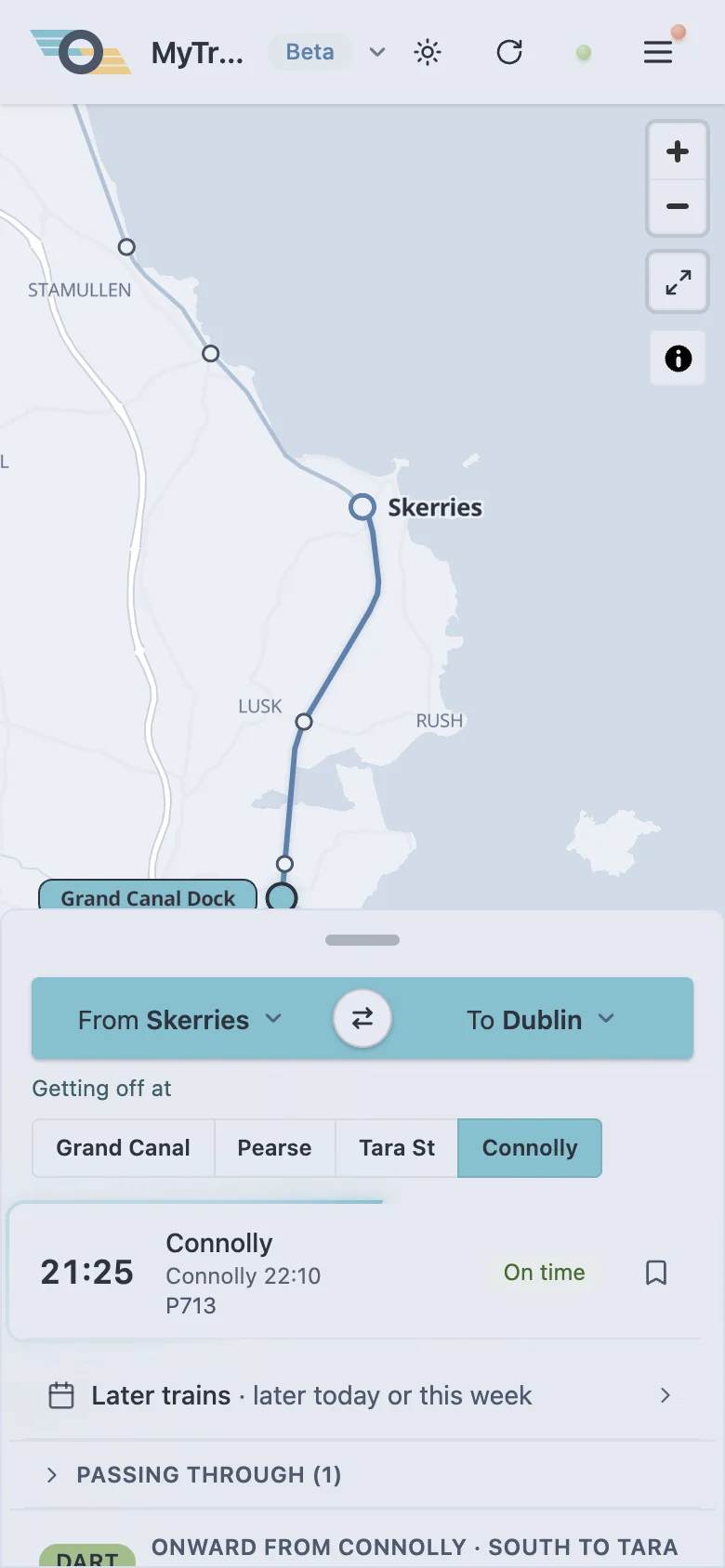
Train, Luas, bus and more
Tap the name at the top, MyTrain to start with, and pick another. Each keeps its own stations and stops, and the app opens in the one you used last.
Don’t use one? Turn it off in Menu › Modes and it’s gone from the list.
Installed on Android, press and hold MyTrip’s icon to open MyLuas straight away.
Your trains
Tap From or To to pick your station: 120 on the Northern, Western, South Western and South Eastern routes.Near me lists the nearest three; your location is asked for only then, and stays on your phone. Tap ⇄ for the way back from Dublin to your station.
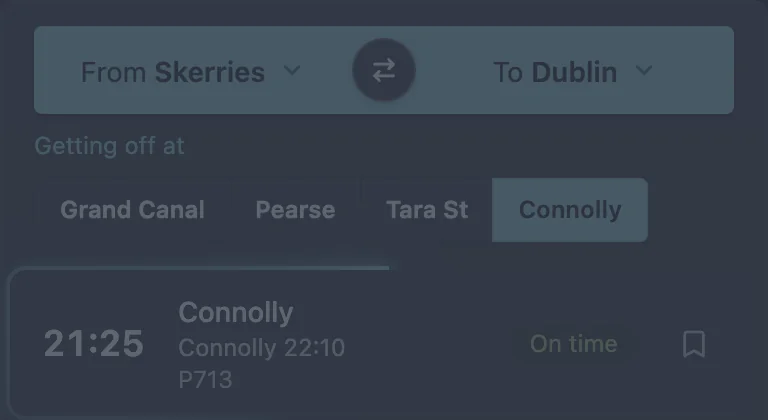
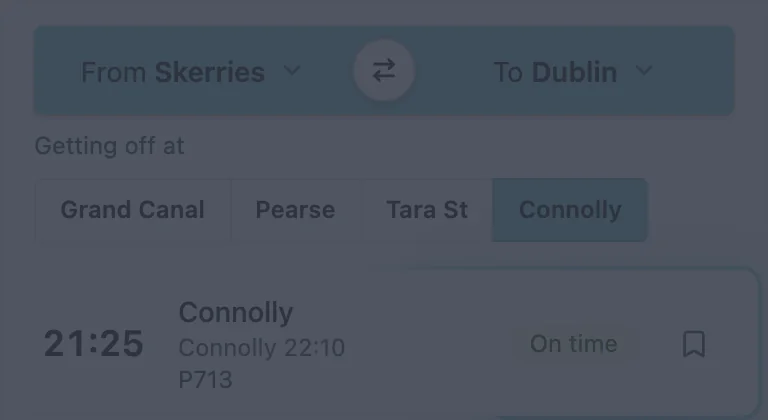
- 07:45
- Cancelled
- Special
- Not in the timetable
- DART
- Every 10–15 minutes, so just the time
- via DART
- Change to the DART at Connolly
- Last train
- Tonight’s last one
- 2
- Travel alerts on your route: tap to see them again, even ones you closed
The map
Trains move live. The ones going your way are labelled with where they’re going and any delay; the other way, smaller. Tap any train for more.
- To Dublin
- To your station
- MyTrain
- Special
- DART
- Not left yet
- The other way
- 07:45Cancelled
- Tram
- Bus
- Leaving from
- Going to
- Bikes
- 1 or 2 bikes
- No bikes
- Full: no docks
- MetroLink, plannedLuas Cork, plannedLuas Finglas, plannedLuas Lucan*, a guess
- StationStop
- Future stationFuture stop
- Luas
- Your route
MyTrain
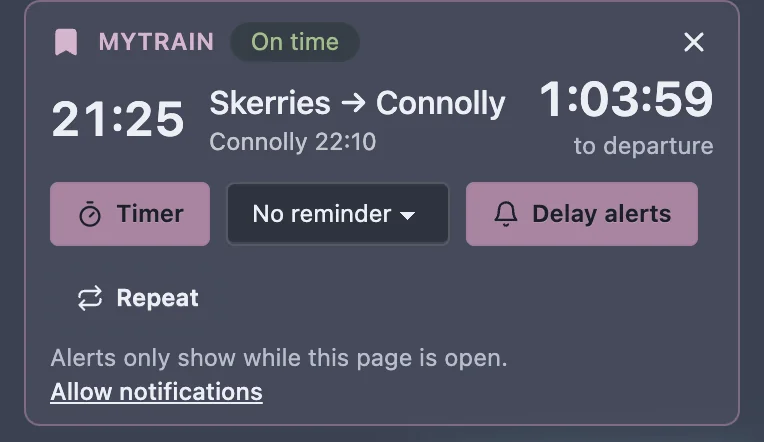
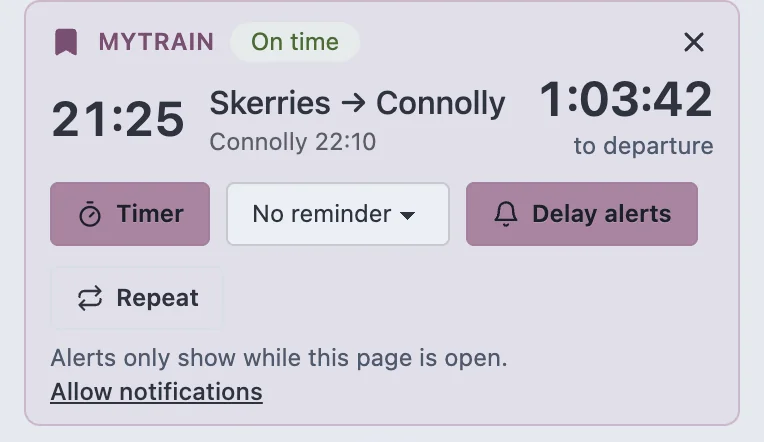
Tap on a train to follow it today: a countdown, a reminder before it leaves, and alerts if it’s late or cancelled.
Regular and later trains
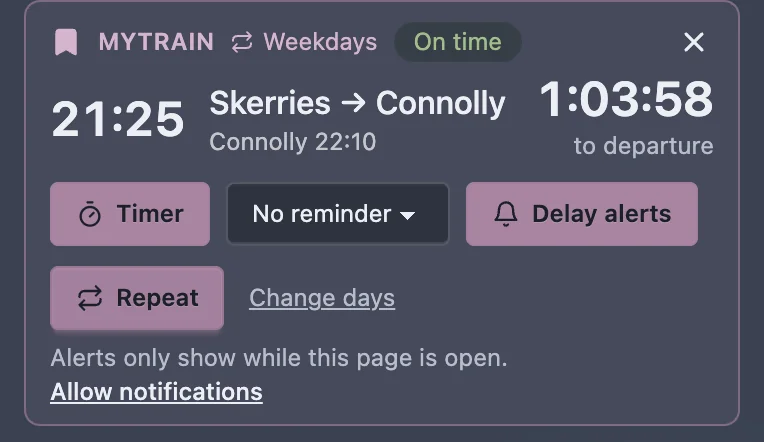
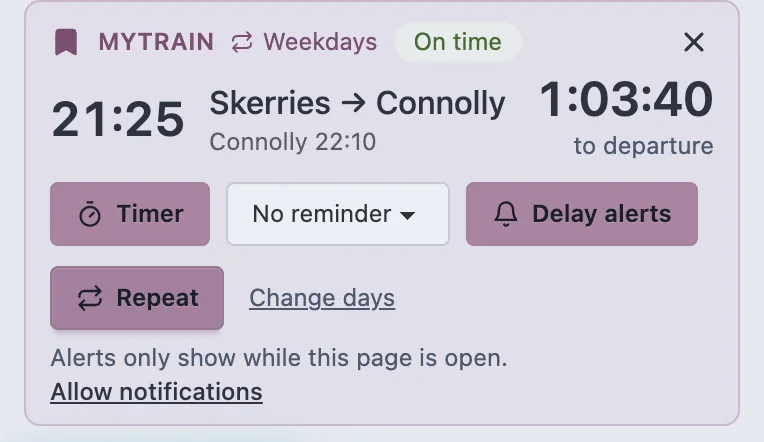
Tap Repeat on MyTrain’s card and it’s MyTrain every weekday, alerts and all (). Change days for others. One each way.
For a train past the next 90 minutes, up to a week ahead, tap Later trains under the board.
MyLuas
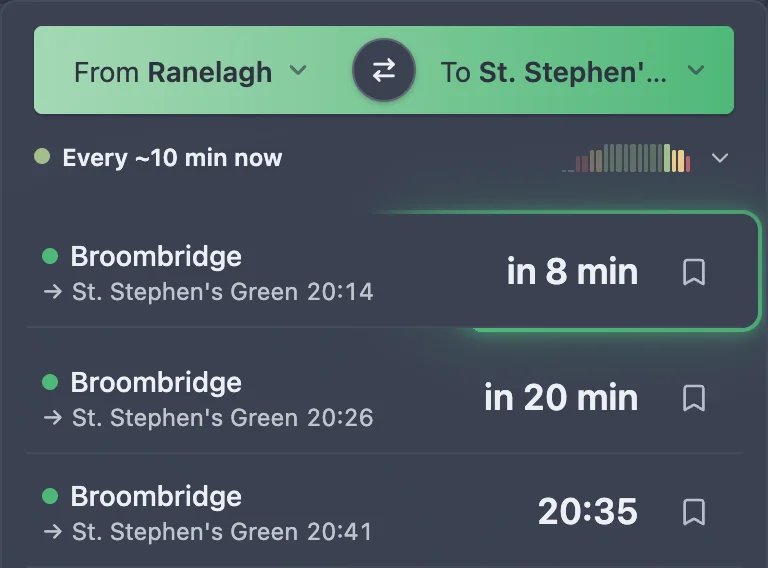
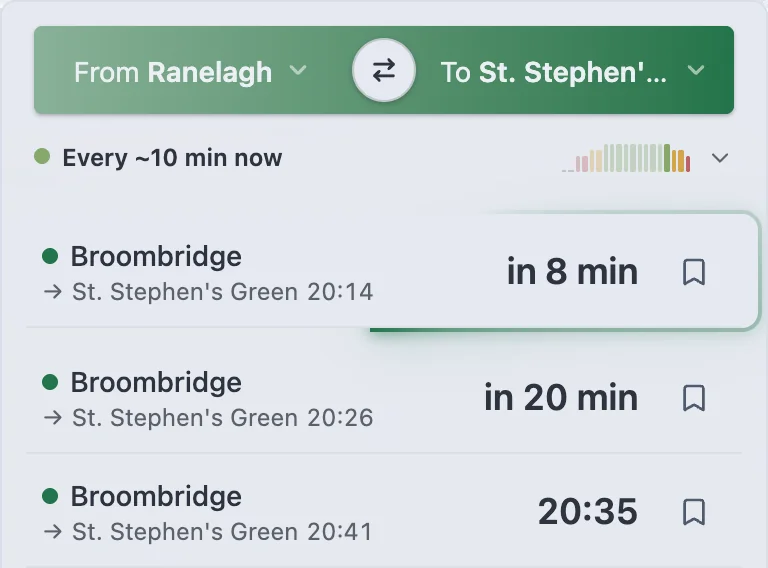
Pick your stop on the Red or Green line, and where you get off. The next trams both ways, tonight’s last, and live trams on the map.
Tap the bookmark on a tram, or My tram on the map, to follow it: a countdown, a reminder before it’s due, and a link to share it live.
At Connolly, Heuston, Docklands and Broombridge, Next trams at on the train board opens MyLuas there.
MyBus
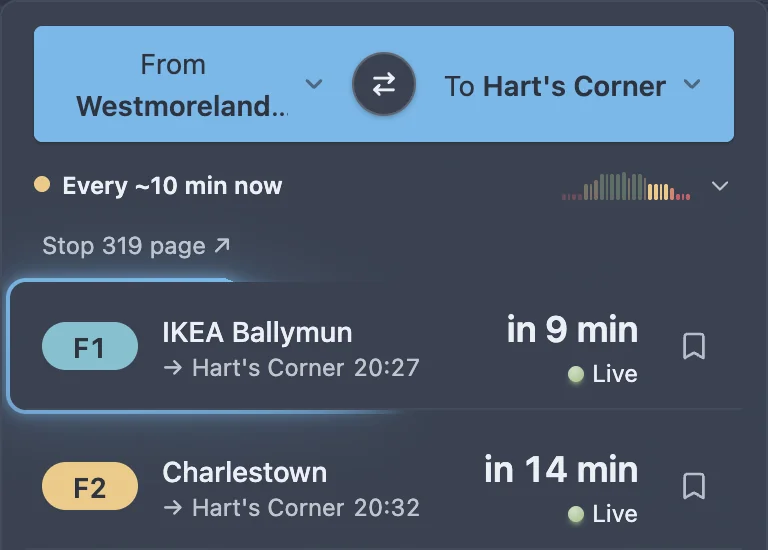
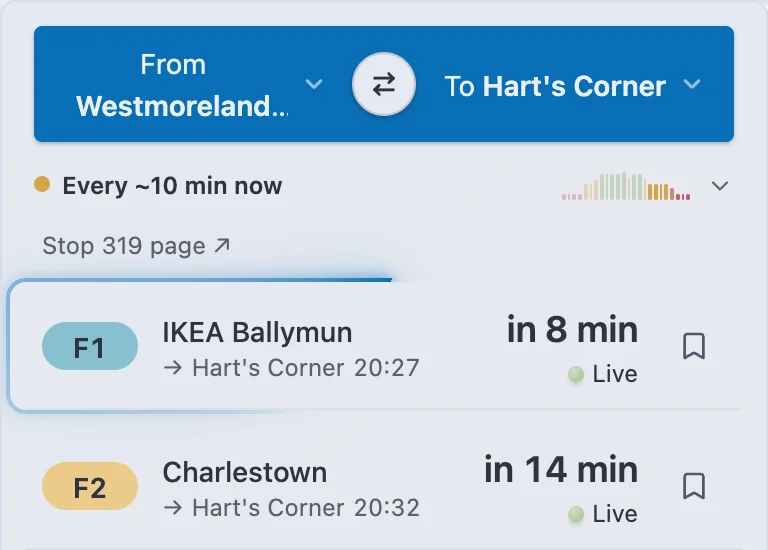
Dublin Bus and Go-Ahead. From is the stop you get on at; To, where you’re going, is up to you. Search for a stop by number or name, or a route, tap Near me, or pick one you’ve saved (★). Or tap a stop on the map: From here or To here.
Without To, it’s every bus from your stop in the next 90 minutes. With it, the buses that get you there soonest come first, and the last bus. Tap to follow one, stop by stop.
MyBusÉireann works the same way, for Bus Éireann’s buses.
MyBikes
Every dublinbikes station on the map, live. Zoom in for each one’s bikes on its dot, and tap a station for its bikes, e-bikes and free docks. Near me opens the nearest station with a bike, or search the list below the map for one by name.
- Bikes
- Only 1 or 2 bikes
- No bikes
- Full: nowhere to return a bike
MyMap
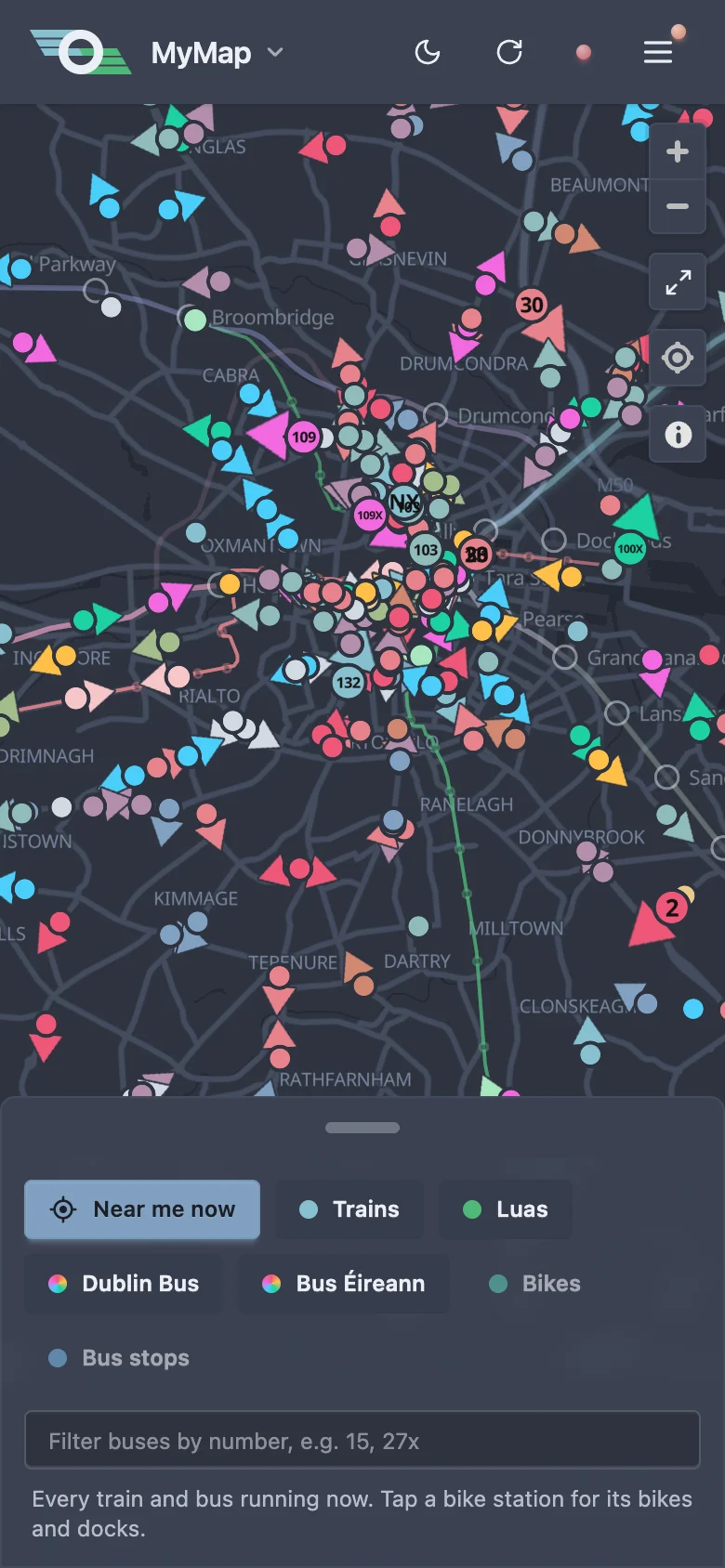
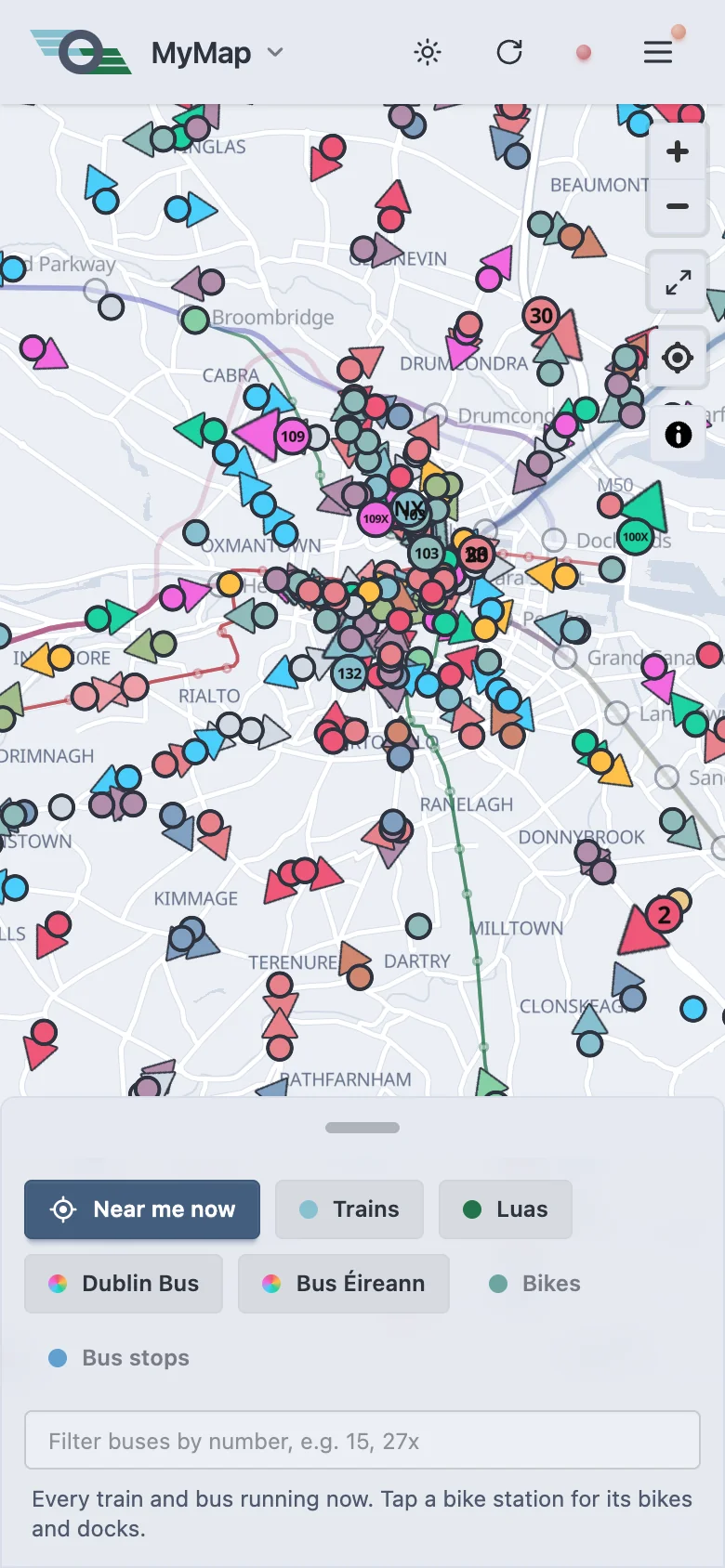
Everything moving at once: every train in Ireland, the Luas, and every Dublin Bus, Go-Ahead and Bus Éireann bus running now. The chips under the map show or hide each; Bikes and Bus stops are off until you turn them on.
Type a route number, like 15 or 27x, to see only those buses. Tap a train or bus for its station or route page, or Follow bus to follow it in MyBus. Near me now centres the map on you.
myFutureRoutes
The planned MetroLink, Estuary to Charlemont, Luas Cork, Ballincollig to Mahon Point, or Luas Finglas, Charlestown to Broombridge (the switch at the top), and our guess at Luas Lucan, marked *, as no route is published yet: its stations on the map, dashed as it isn’t built yet. Tap a station, on the map or in the list, for what’s there and what it connects with.
Nothing is running yet, so there are no times.
Station and stop pages
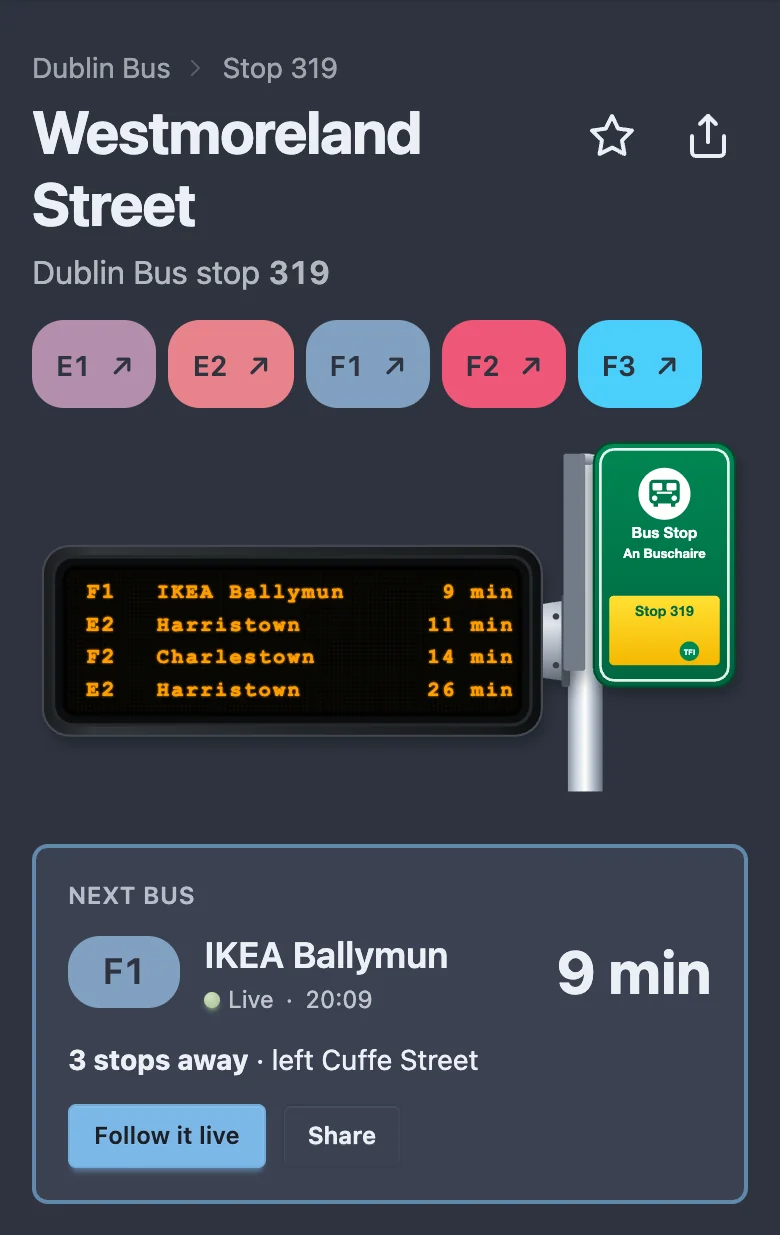
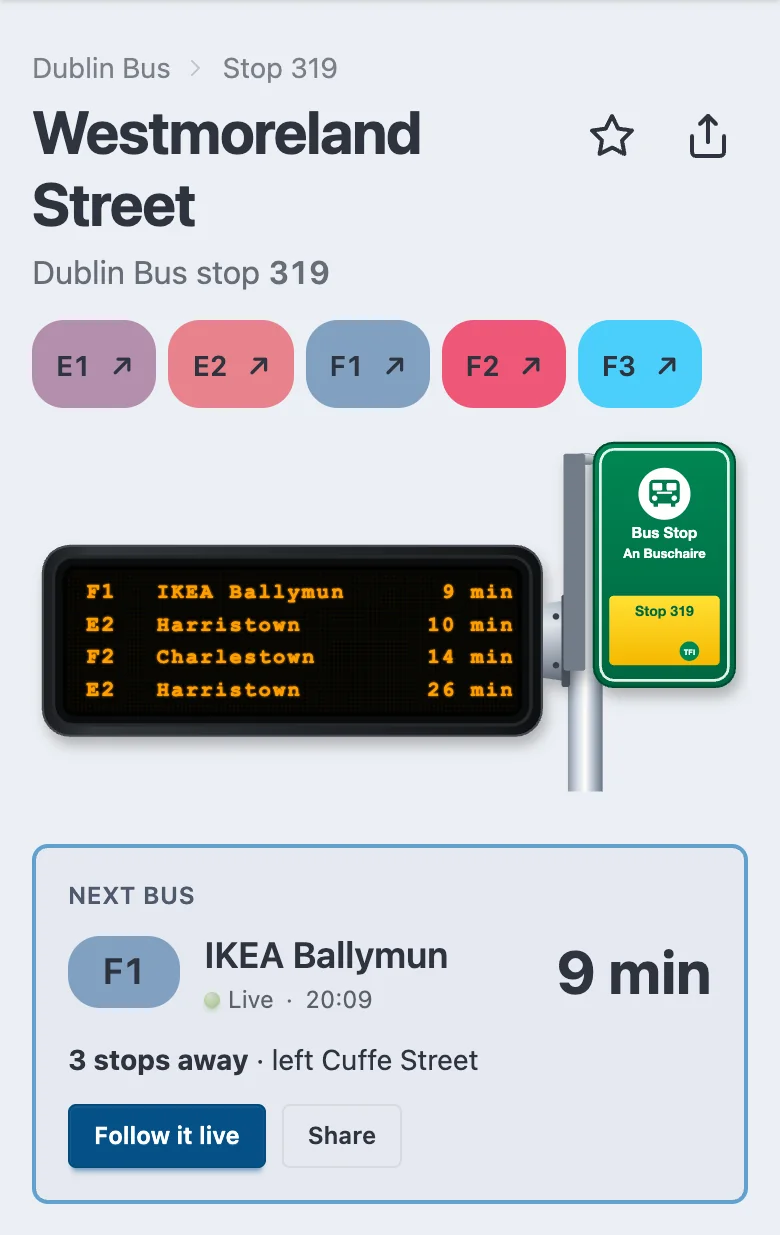
Every station, Luas stop, bus stop, bus route and dublinbikes station has a page of its own: its timetable, and what’s next, live. Bookmark the one you use, or share it.
Tap ↗ beside a station or stop in the list, or Station page, Stop page or Route page on the map.
On a bus stop’s page, ★ saves it for MyBus, and a route number opens that route’s page, with its stops each way and the next bus to follow live.
Alerts and the app
Allow notifications when you turn on a train’s alert, and they arrive with MyTrain closed. On iPhone, add MyTrain to your Home Screen first.
In the installed app, the train you follow stays on your lock screen with when it leaves and where it is. Tap Lock screen on its card to turn that off.
Install it
It opens full screen, and offline shows the last departures it saw.
- iPhone and iPad (Safari)
- Share › Add to Home Screen › Add. Share is under ••• if you don’t see it, and Add to Home Screen further down its list. Or Menu › Add to Home Screen shows the steps.
- Mac (Safari 17 or later)
- File › Add to Dock, then Add. It opens from the Dock in its own window.
- Android (Chrome)
- Menu › Install app, or Chrome’s ⋮ › Add to Home screen › Install.
coming soon
More
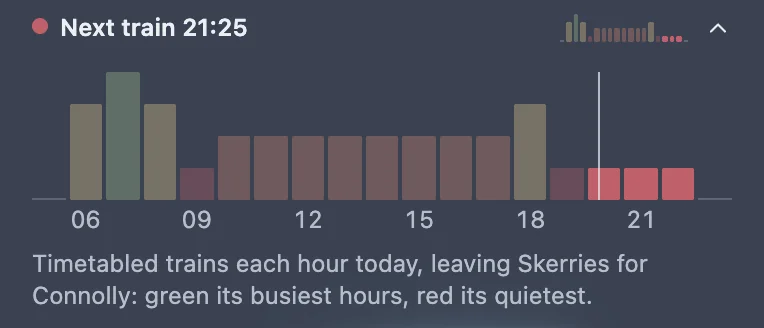
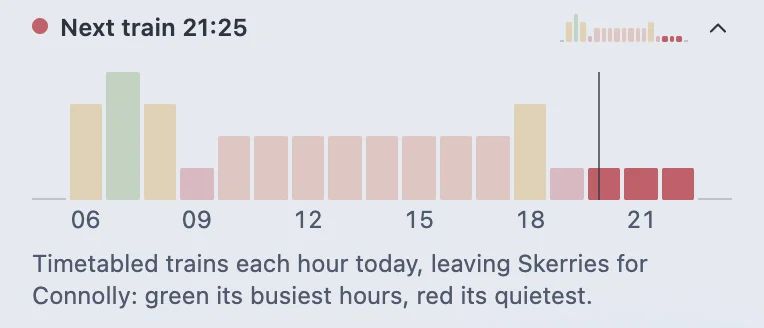
How often trains, trams and buses run: tap the line above the board for the day’s chart. Turn it off with Display frequency graph in Menu › App.
Irish Rail updates about your line show over the map; the rest are in Menu › Service updates.
Menu › App also has Text size, and Language for MyTrip as Gaeilge.
MyTrip is in beta. Something wrong? Send feedback.
Open MyTrip